External SSD vs Internal SSD for GTA 6
Understand when GTA 6 can run directly from an SSD, when external storage is archive-only, and which upgrade makes sense for PS5, Xbox, or PC.
Table of Contents
| ›GearCheckpoint Verdict | ›Internal vs External | ›Platform Rules | ›Recommended Upgrades |
| ›Best Setup by Platform | ›Buying Checklist | ›Internal vs External FAQ |
Use platform-approved fast storage to play; use USB for overflow.
For PS5 and Xbox Series X|S, internal-class storage is the safe choice for playing current-generation games. External USB storage remains valuable for archiving and transfers. PC players should follow Rockstar’s final requirements and favor a fast internal NVMe SSD when possible.
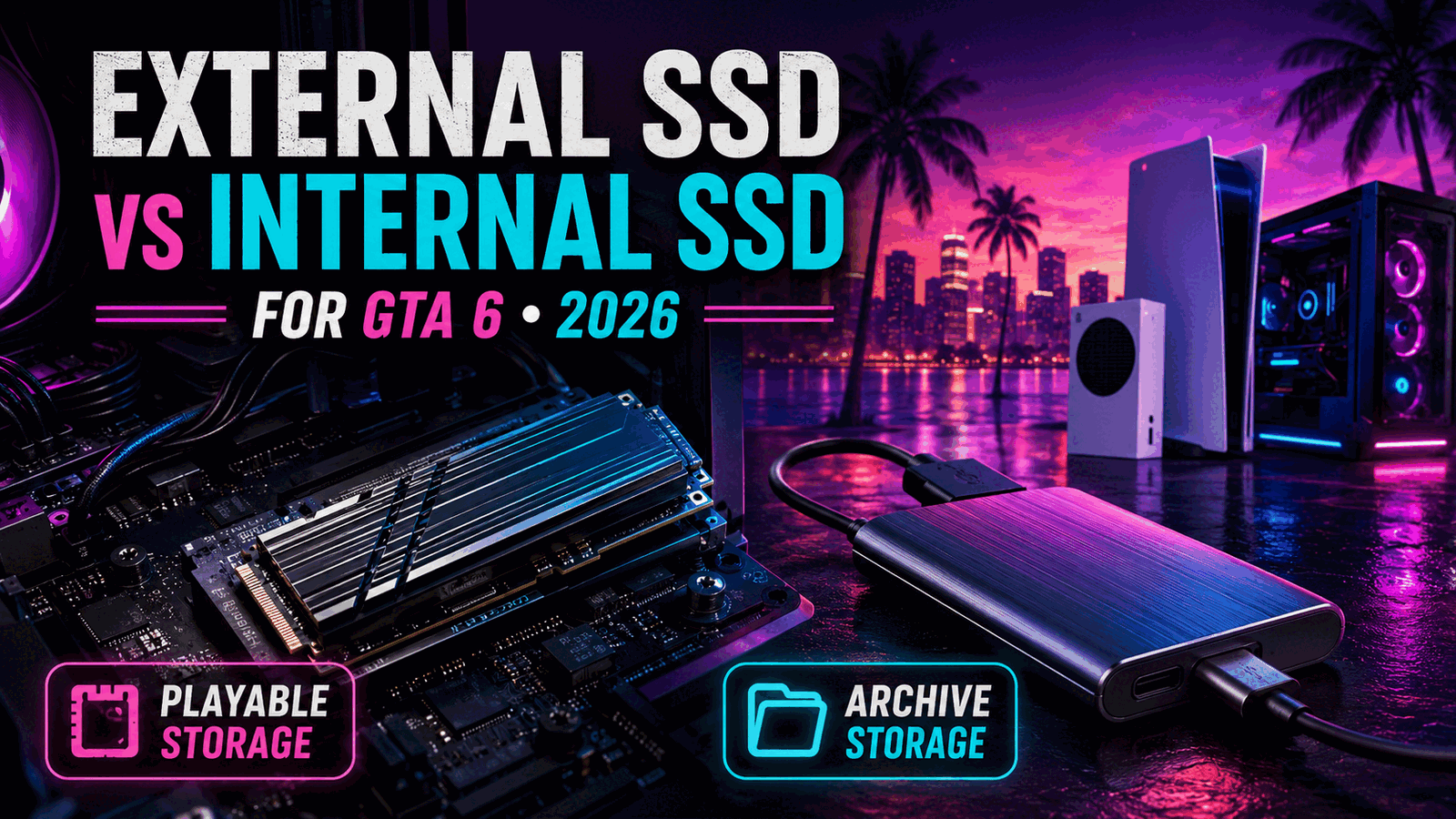
Quick Take
External does not automatically mean slow, but console software rules determine whether a current-generation game can launch from a particular storage device.
Internal Advantage
Compatible internal or internal-class storage avoids repeated transfers and is designed around current-generation asset streaming.
External Advantage
A portable SSD is easy to reuse, adds archive capacity, and can move large games faster than downloading them again.
Internal and External Describe Location—not Compatibility
An internal NVMe SSD connects through a high-speed PCIe interface inside a PC or PS5. Xbox expansion cards are technically external plug-in devices, but function as internal-class playable storage through the dedicated expansion interface.
A USB external SSD connects through a general-purpose USB port. It can be fast for file copies, but consoles impose rules about which games may launch from USB.
Always separate physical form from platform behavior. The important question is whether the system recognizes the device as approved playable storage for the game.
PS5 and Xbox Rules
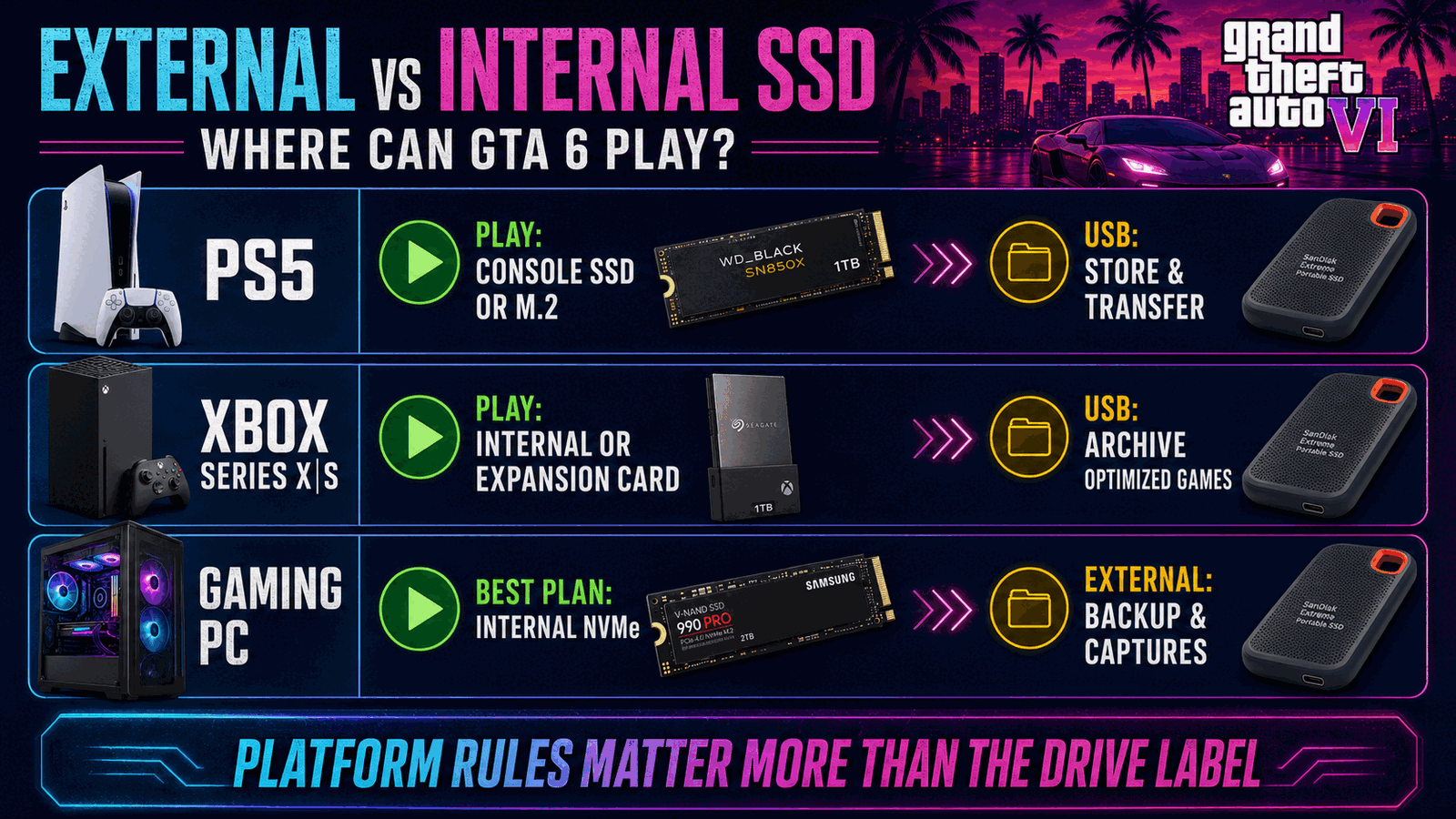
PS5 games can run from the console SSD or a compatible M.2 NVMe expansion drive. They can be stored on USB extended storage but must be copied back before play.
Optimized Xbox Series X|S games should run from the internal SSD or official Storage Expansion Card. USB drives are useful for storing and transferring those files, while many older games can run directly from USB.
What About PC?
PC requirements depend on Rockstar’s final specification and the user’s USB interface, enclosure, and drive. A fast internal NVMe SSD is the safest planning choice for a large open-world game.
An external SSD may be useful for backups, captures, and moving files even when the game itself remains on internal storage. Avoid assuming that every USB setup will match internal NVMe latency or throughput.
External SSD vs Internal SSD by Platform
PlayStation and Xbox both distinguish playable current-generation storage from USB archive storage. Official compatibility guidance.
Recommended Upgrades
2TB Internal NVMe SSD
Why We Recommend It: A fast internal NVMe drive is the safest general choice for playable GTA 6 storage on compatible systems.
2TB External USB SSD
Why We Recommend It: A portable SSD is valuable overflow storage even when platform rules prevent launching the current-generation game directly from USB.
1TB Xbox Expansion Card
Why We Recommend It: The official expansion-card format is the correct way to add directly playable high-speed storage to Xbox Series X|S.
Best Storage Setup by Platform
PS5
Install GTA 6 on console storage or a compatible M.2 SSD; use external USB storage for archives and PS4 games.
Xbox Series X|S
Use internal SSD space or an official expansion card; use USB storage to reduce redownloading and manage older games.
Gaming PC
Prioritize a fast internal NVMe SSD for the game and use external storage for backups, captures, or secondary files.
Buying Checklist
- Identify the exact platform on which GTA 6 will be played.
- Confirm whether the drive is recognized as playable or archive storage.
- Check the interface, capacity, enclosure, and cooling requirements.
- Do not assume an external USB SSD can launch current-generation console games.
- Budget for enough free room beyond the base installation.
- Verify Rockstar’s final PC and console storage information before purchase.
External vs Internal SSD FAQ
Can GTA 6 run from an external SSD on PS5?
PS5 games stored on USB extended storage must be copied back to console or compatible M.2 SSD storage before playing.
Can GTA 6 run from an external SSD on Xbox Series S or X?
A normal USB SSD is generally archive storage for optimized games. Direct play uses the internal SSD or official Storage Expansion Card.
Is an Xbox expansion card external storage?
It plugs in externally, but Xbox treats it as internal-class playable storage through the dedicated expansion port.
Is an external SSD useless for GTA 6?
No. It can reduce redownloading, store other games and captures, and provide convenient portable capacity.
Should PC players use an internal SSD?
A fast internal NVMe SSD is the safest plan until Rockstar publishes final PC requirements.
Does external SSD speed improve frame rate?
Storage can affect loading and asset delivery, but it should not be purchased as a guaranteed frame-rate upgrade.
Affiliate Disclosure
GearCheckpoint may earn a commission when readers purchase through qualifying links. This does not affect our editorial recommendations, product ratings, or compatibility guidance.
Leave a Reply