Xbox Series S Storage Guide for GTA 6
Prepare Xbox Series S storage for GTA 6 by understanding internal SSD limits, official expansion cards, USB archive storage, and capacity choices.
Table of Contents
| ›GearCheckpoint Verdict | ›Series S Storage Rules | ›Expansion Card vs USB | ›Recommended Upgrades |
| ›Best Series S Setup | ›Buying Checklist | ›Xbox Storage FAQ |
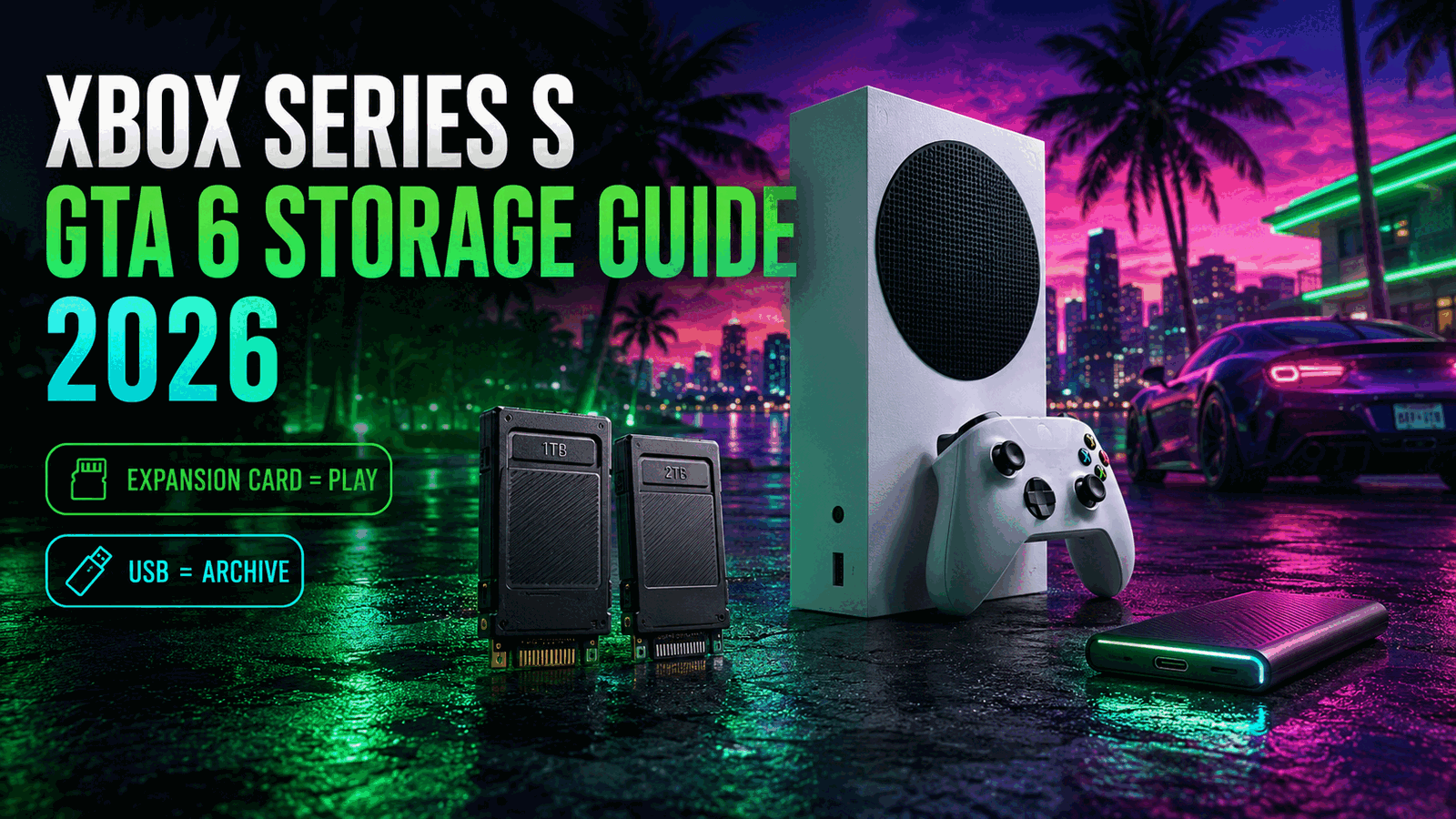
Use internal storage or an official expansion card to play.
For GTA 6 on Xbox Series S, the safest plan is to reserve internal SSD space or use an official Storage Expansion Card. A USB drive is useful for archiving and transfers, but Optimized for Xbox Series X|S games generally must be moved back before playing.
Quick Take
If your Series S storage is already crowded, an official expansion card is the most convenient upgrade because optimized games can run directly from it.
USB Still Helps
A USB 3.0-or-faster drive can store large game files and reduce redownloading. It is useful for archiving even though optimized titles normally need faster playable storage.
GTA 6 Size Watch
GTA 6 is confirmed for Xbox Series X|S, but a final installation-size figure should be checked against the Xbox store before launch and preload.
How Xbox Series S Storage Works
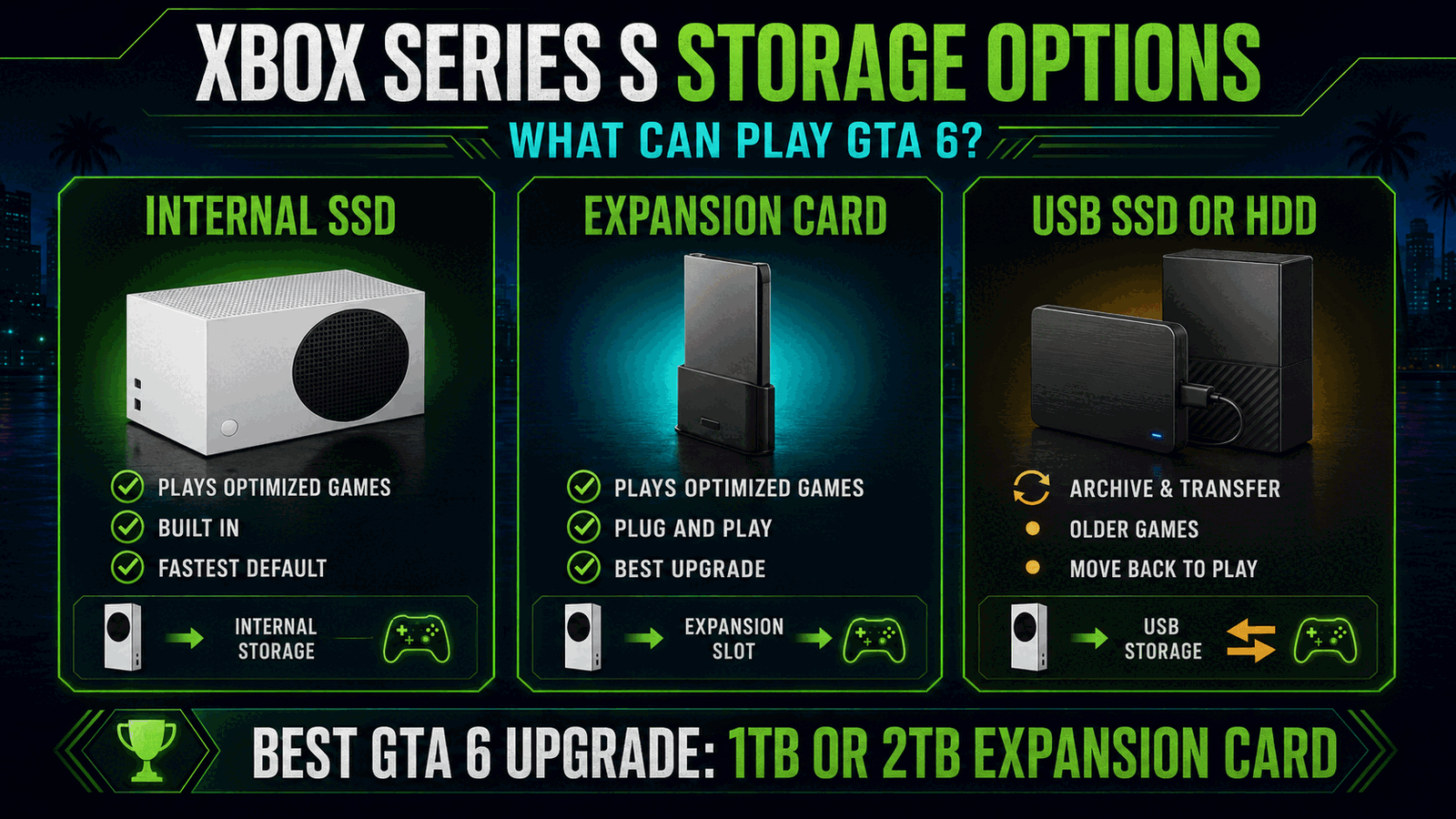
Xbox Series S uses a high-speed internal SSD for current-generation games. To play titles optimized for Xbox Series X|S, Xbox directs players to the internal SSD or an official Storage Expansion Card.
The expansion card connects to the dedicated port on the back of the console and is designed to perform like internal storage. It does not require opening the console.
Available internal space is lower than the advertised drive capacity because system files and reserved storage use part of the drive. Check Settings, System, and Storage devices before planning an upgrade.
Expansion Card vs External USB Storage
An official expansion card is playable storage for optimized Xbox Series X|S games. It is the direct solution when you want additional capacity without moving a game before every session.
USB storage is better treated as a library archive. You can store and transfer optimized titles, and many backward-compatible games can run directly from USB, but current-generation optimized games generally require internal or expansion-card storage.
Planning for GTA 6 on Series S
Reserve space for the base game, preload files, updates, and future online content. The final GTA 6 file size should come from the official Xbox listing rather than rumor estimates.
A 1TB expansion is the practical starting point for many Series S owners. A 2TB card makes more sense when several other large games need to remain installed.
Xbox Series S Storage Options Compared
Xbox states that optimized Series X|S titles should be installed on internal storage or an official Storage Expansion Card. Official compatibility guidance.
Recommended Upgrades
1TB Seagate Expansion Card
Why We Recommend It: One terabyte adds substantial playable storage without requiring game transfers before each session.
2TB Seagate Expansion Card
Why We Recommend It: The 2TB model is designed for players who keep GTA 6 and several other large optimized games installed.
1TB WD_BLACK C50
Why We Recommend It: The C50 provides another official expansion-card option for adding directly playable Series X|S storage.
Best Xbox Series S Storage Setup
Internal Only
Works when you keep a small library and are comfortable deleting or redownloading games.
Add 1TB Card
The best overall route for more directly playable space at a manageable capacity level.
Add 2TB Card
Best for players who keep many optimized games installed and want minimal storage management.
Buying Checklist
- Open Xbox Storage devices and record your current free space.
- Decide which optimized games must remain playable without transfers.
- Choose an official expansion card for directly playable extra storage.
- Use USB storage for archives, transfers, and compatible older games.
- Complete the console’s first system update before connecting a new expansion card.
- Recheck the official GTA 6 Xbox listing for final storage requirements.
Xbox Series S Storage FAQ
Can GTA 6 run from a USB drive on Xbox Series S?
The safest expectation is no. Optimized Series X|S games generally must run from the internal SSD or an official Storage Expansion Card.
Can a USB drive store GTA 6?
Yes, Xbox allows optimized games to be stored and transferred using compatible USB storage, reducing the need to redownload them.
Is a 1TB expansion card enough?
It is the practical choice for many players, but the right capacity depends on GTA 6’s final size and the rest of your installed library.
Does the expansion card perform like internal storage?
Xbox states that the Storage Expansion Card performs identically to the console’s internal SSD.
Can I use a normal NVMe SSD in Xbox Series S?
Not as a plug-in replacement for the official expansion-card format. Xbox Series X|S uses its dedicated expansion-card system.
Should I buy 2TB instead?
Choose 2TB when you keep many large optimized games installed and want to minimize transfers or deletions.
Affiliate Disclosure
GearCheckpoint may earn a commission when readers purchase through qualifying links. This does not affect our editorial recommendations, product ratings, or compatibility guidance.
Leave a Reply