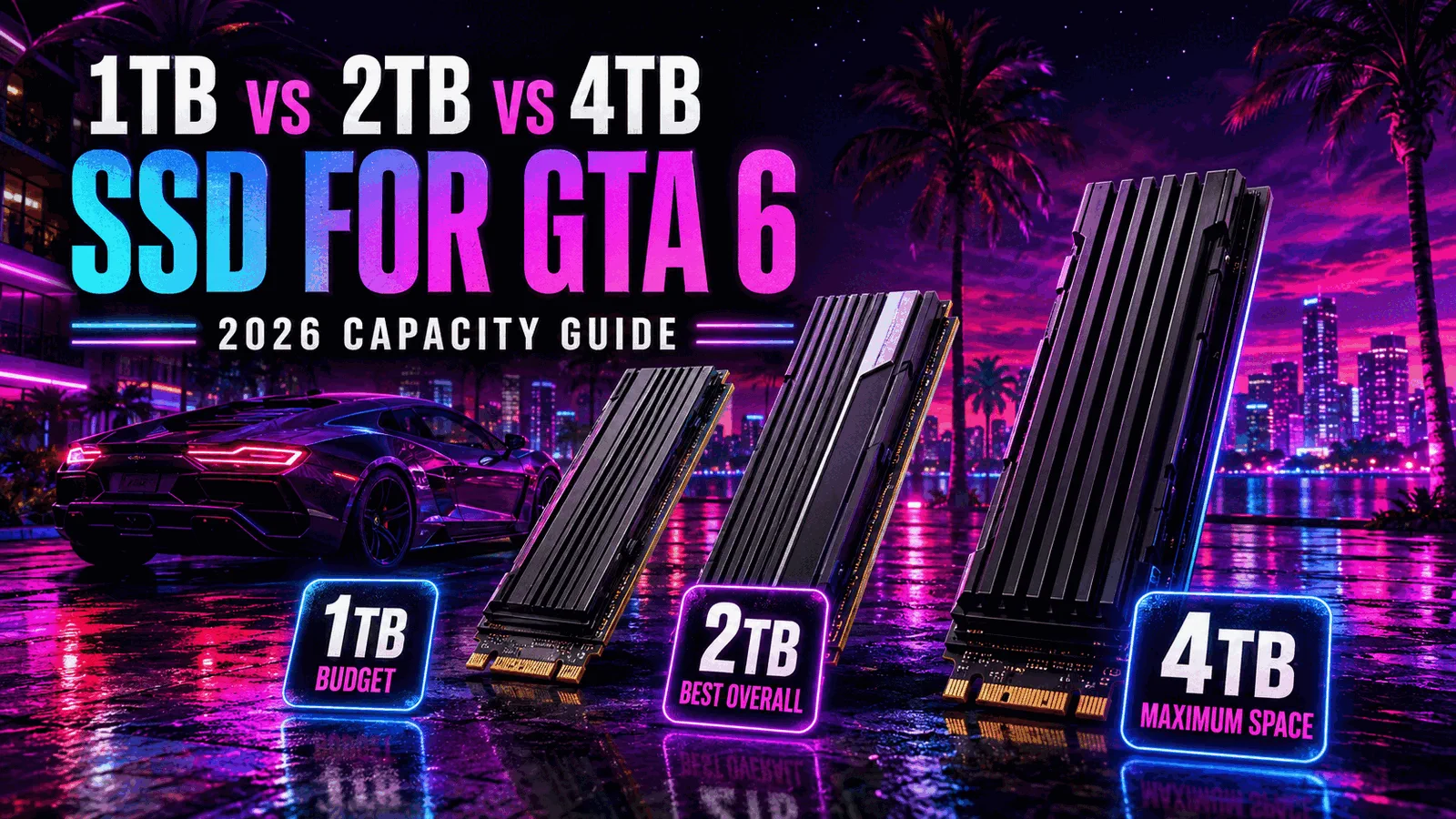
1TB vs 2TB vs 4TB SSD for GTA 6
Compare SSD capacity by budget, game-library size, update room, and long-term value before choosing storage for GTA 6.
Table of Contents
| ›GearCheckpoint Verdict | ›Capacity Planning | ›1TB vs 2TB vs 4TB | ›Recommended Upgrades |
| ›Which Size Fits You? | ›Buying Checklist | ›SSD Capacity FAQ |
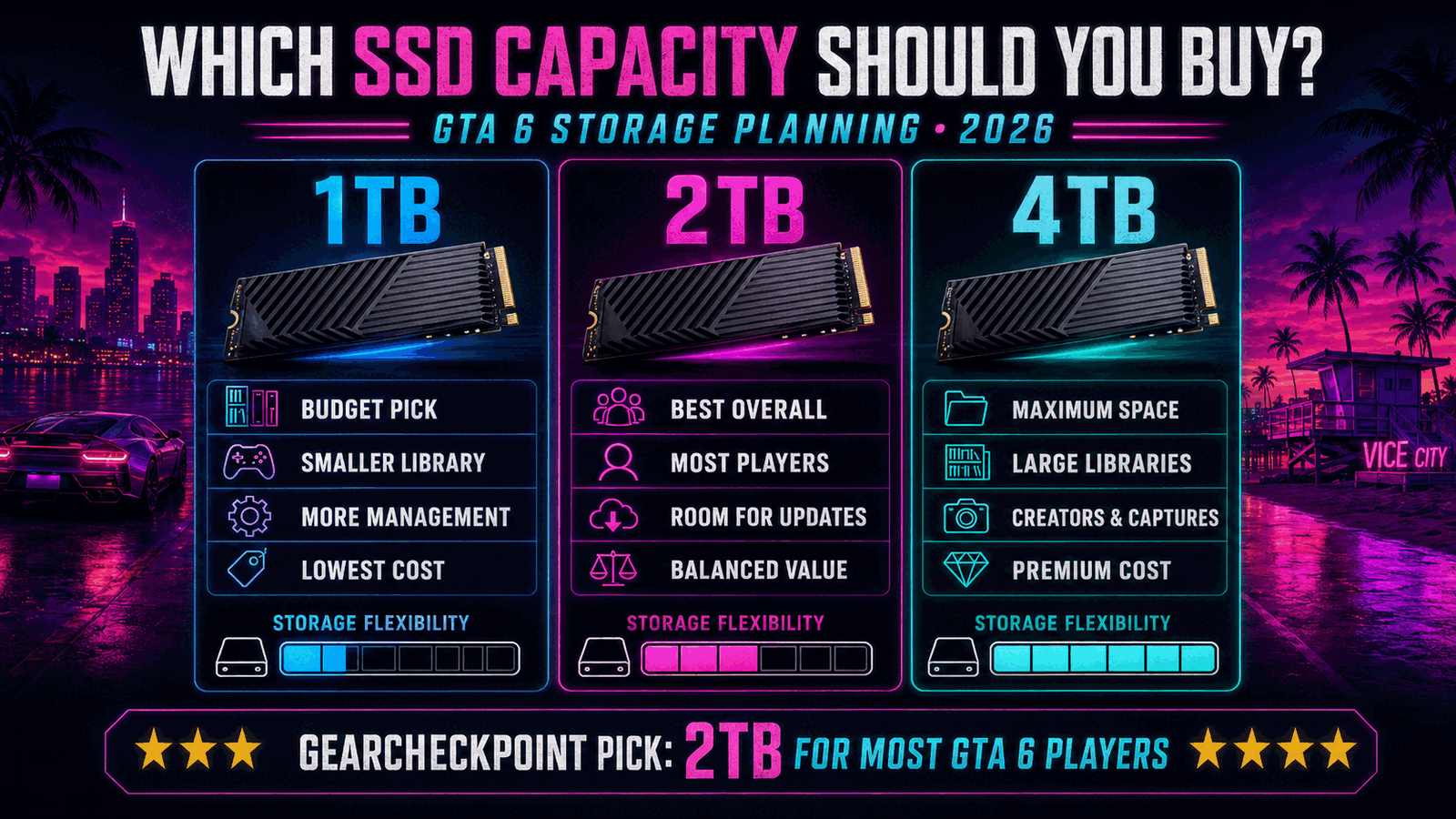
2TB is the best balance for most GTA 6 players.
A 1TB SSD can work for a smaller library, while 4TB is the comfort choice for collectors and creators. For most players, 2TB provides the strongest balance of space, price, and reduced storage management.
Quick Take
Buy for your entire installed library, not GTA 6 alone. Existing games, captures, day-one updates, and future online content all compete for the same free space.
Why 2TB Wins
A 2TB SSD usually provides enough breathing room for GTA 6 and several other large games without the premium cost associated with 4TB models.
Avoid False Precision
Rockstar has not published a final GTA 6 storage requirement. Any exact size should be treated as unverified until official platform listings provide it.
How to Choose Capacity for GTA 6
Start by checking how much storage your current library already uses. Then decide which games must remain installed, how often you record gameplay, and how much unused space you want after GTA 6 is installed.
Advertised capacity is not the same as usable formatted space. Consoles, file systems, reserved storage, and existing data reduce the room that remains available to games.
Large games also need temporary working room during updates. Buying a drive that is nearly full on day one can recreate the same storage problem shortly after installation.
Is 1TB Enough?
A 1TB SSD is the economical choice for players who keep only a few major games installed. It can be sufficient for GTA 6, but it leaves less flexibility for a large library, captures, or future content.
Choose 1TB when budget matters most and you are comfortable deleting, archiving, or redownloading games.
When 4TB Makes Sense
A 4TB SSD is aimed at players with extensive libraries, multiple live-service games, or substantial 4K capture storage. It reduces routine storage management but usually carries a significantly higher upfront cost.
Capacity alone does not determine compatibility. Console users must still choose the correct storage format for their platform.
1TB vs 2TB vs 4TB SSD Comparison
Platform rules vary; verify that the selected drive can actually run current-generation games on your system. Official compatibility guidance.
Recommended Upgrades
1TB Gen4 NVMe SSD
Why We Recommend It: A 1TB model is the sensible entry point when budget matters more than keeping many large games installed.
2TB Gen4 NVMe SSD
Why We Recommend It: Two terabytes gives most players useful breathing room without paying the premium associated with 4TB drives.
4TB Gen4 NVMe SSD
Why We Recommend It: A 4TB drive is best for players who value convenience and maintain a large collection of installed games.
Which SSD Size Fits Your Setup?
Choose 1TB
You maintain a compact library, rarely record long gameplay sessions, and prioritize the lowest upgrade cost.
Choose 2TB
You want GTA 6 plus several other large games installed with room left for updates and captures.
Choose 4TB
You keep a large library installed, create content, or strongly prefer avoiding storage management.
Buying Checklist
- Confirm the storage type is compatible with your console or PC.
- Check current used space before estimating future needs.
- Allow extra room for updates, captures, and temporary files.
- Compare cost per terabyte rather than sticker price alone.
- For PS5, confirm Gen4 NVMe performance and heatsink dimensions.
- For Xbox Series X|S, distinguish USB storage from official expansion-card storage.
SSD Capacity FAQ
Is 1TB enough for GTA 6?
It may be, but the final game size is unconfirmed. One terabyte works best for players willing to manage a smaller installed library.
Why is 2TB recommended?
Two terabytes provides a practical balance of cost, room for several large games, and reduced need to delete or transfer content.
Is 4TB overkill?
Not for collectors or content creators, but many players will not need that capacity immediately.
Does a larger SSD make games faster?
Capacity alone does not increase frame rate. Performance depends on the drive, interface, platform requirements, and game design.
Should I leave free space on the SSD?
Yes. Updates, temporary files, captures, and future content all require additional room.
Can any SSD work in a console?
No. PS5 and Xbox Series X|S have different compatibility rules, and ordinary USB storage has limitations for current-generation games.
Affiliate Disclosure
GearCheckpoint may earn a commission when readers purchase through qualifying links. This does not affect our editorial recommendations, product ratings, or compatibility guidance.
Leave a Reply